


Technology
Understanding Networks: The Backbone of Modern Technology
What is a Network?
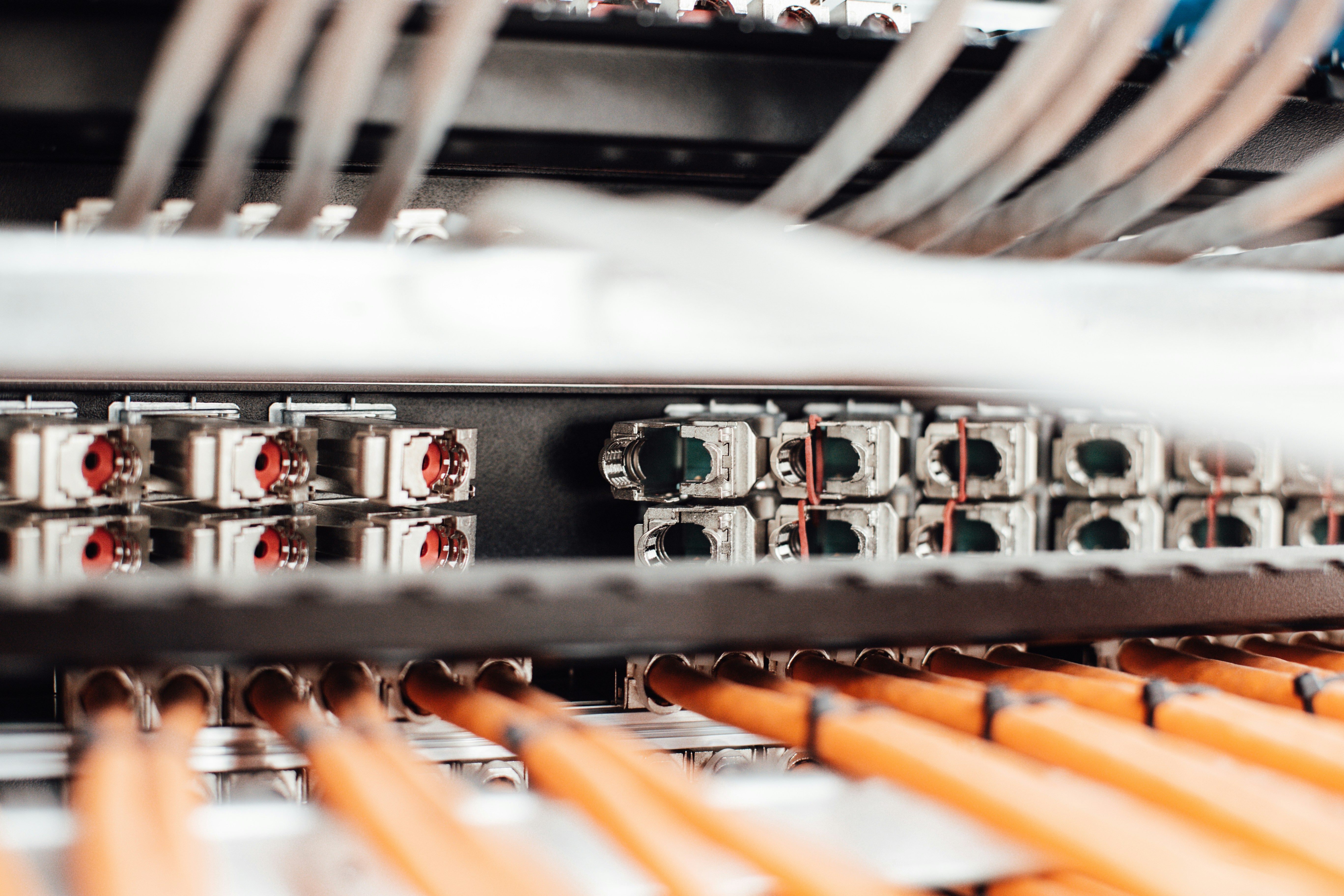
A network can be defined as a collection of interconnected systems, which can include computers, devices, and other technological equipment, that are configured to communicate and share resources with one another. At its core, a network allows these entities to exchange data, facilitating various types of interactions that are critical in both professional and personal settings.
Networks are typically composed of key components including devices, connections, and protocols. Devices can range from personal computers and servers to routers and switches, all of which play pivotal roles in establishing the functionality of a network. The connections, which may involve cables or wireless signals, are pathways that enable data transmission. Protocols are the communication rules that govern how data can be sent, received, and processed in a network environment.
The concept of interconnected systems underscores the significance of networks in the technological landscape. In modern society, networks serve as foundational elements that facilitate email communication, internet browsing, file sharing, and cloud services. This interconnection enhances efficiency and supports collaboration, making networks indispensable for operations ranging from large enterprises to small home setups.
Moreover, as technology continues to evolve, the role of networks expands to accommodate emerging technologies such as the Internet of Things (IoT), where everyday devices communicate via the internet to provide enhanced functionality. Ultimately, understanding the components and functions of networks is essential not only for technology enthusiasts but for anyone navigating today’s digital realm, highlighting their crucial role in advancing communication and connectivity in our daily lives.
Types of Networks
Networks are integral to modern technology, enabling communication and data exchange. They can be categorized into various types, each serving distinct purposes and advantages. This section will explore three primary types of networks: Local Area Networks (LAN), Wide Area Networks (WAN), and Wireless Networks (Wi-Fi).
Local Area Networks (LAN) are designed to connect computers and devices within a limited geographic area, such as a home, office, or school. LANs facilitate high-speed data transfer, allowing users to share resources like printers and files effectively. The advantages of LANs include their ease of setup, low cost, and security, as they typically require less external intervention. They are commonly used in environments where numerous devices need to interact closely.
Wide Area Networks (WAN), on the other hand, cover a much larger geographic area, often spanning cities or even countries. WANs utilize various transmission technologies, such as leased lines, satellite links, or even the internet itself, to connect remote networks and devices. The primary advantage of WANs is their ability to facilitate communication across vast distances, making them essential for businesses with multiple locations. They, however, tend to have higher operational costs and complexity in management compared to LANs.
Lastly, Wireless Networks (Wi-Fi) represent a vital aspect of modern connectivity. Using radio waves to transmit data, Wi-Fi allows devices to connect to the internet and each other without the constraints of physical cables. The key advantages of wireless networks include mobility, ease of installation, and convenience in connecting various devices. Wi-Fi is predominantly used in homes, public areas, and workplaces where flexibility and mobility are paramount for users.
Each network type plays a crucial role in the technological landscape, catering to specific needs and scenarios, ensuring seamless communication and data exchange across various settings.
Network Topologies
Network topologies play a critical role in defining the structure and efficiency of communications between various nodes within a network. Essentially, a network topology is the arrangement of different elements—such as links and nodes—in a network, which can significantly affect the performance and management of network infrastructure.
One of the most common topologies is the star topology. In this configuration, all nodes are connected to a central hub or switch. This makes it straightforward to add or remove devices; however, if the central hub fails, the entire network is compromised. This topology is particularly advantageous in environments where manageability and scalability are crucial.
Another prevalent configuration is the ring topology. In this arrangement, each node is connected to exactly two other nodes, forming a closed loop. Data travels in one direction, reducing the chances of data collisions but introducing challenges such as the entire network being affected should any single node fail. This topology is effective in environments that necessitate predictable data traffic.
The bus topology utilizes a single central cable, known as the bus, to connect all nodes. This is a cost-effective and straightforward solution; however, troubleshooting can be difficult as a failure in the central cable brings the entire network down. It’s favored for small networks or in scenarios where rapid deployment is needed.
Lastly, the mesh topology features interconnected nodes, with each node potentially connecting to multiple other nodes. This setup offers high redundancy and reliability, as data can take multiple paths to reach its destination. Its complexities make it ideal for robust systems, although it can be costly and complicated to install and maintain.
Each of these topologies—star, ring, bus, and mesh—serves unique functions and is suited to different applications. The choice of topology ultimately impacts network performance, scalability, and fault tolerance, making it essential to consider the specific needs of the network environment when designing a network.
The Role of Protocols in Networking
Protocols are fundamental rules and conventions that facilitate communication between devices in a network, ensuring that data can be transmitted accurately and efficiently. They are essential for establishing connections, managing data transfers, and ensuring reliable communication. Without protocols, the interconnected systems that form our modern digital infrastructure would be ineffective, leading to confusion and data loss.
One of the most prominent protocols in use today is the Transmission Control Protocol/Internet Protocol (TCP/IP). This suite of communication protocols underpins the internet, allowing for the seamless exchange of data packets between various devices. TCP is responsible for ensuring reliable data transmission, establishing connections, and managing packet sequencing. Meanwhile, IP facilitates the addressing and routing of packets across different networks, ensuring that data reaches its intended destination. Together, TCP/IP supports a wide range of internet-based applications, including web browsing, email, and file transfers.
Another important protocol is the Hypertext Transfer Protocol (HTTP), which governs the transmission of web pages and resources over the internet. HTTP allows web browsers and servers to communicate effectively, enabling users to access websites and retrieve information. Its secure variant, HTTPS, adds a layer of encryption, protecting data during transmission and ensuring secure online transactions.
File Transfer Protocol (FTP) also plays a crucial role in networking by enabling users to transfer files between computers over a network. FTP manages the transfer of large files, allows for user authentication, and supports various file types, making it indispensable for businesses and individual users alike.
In summary, protocols such as TCP/IP, HTTP, and FTP are the backbone of modern network communication. They govern data transmission, ensuring that devices can communicate efficiently and reliably, thus playing a vital role in the functionality of our interconnected world.
Security in Networks
In today’s digital landscape, network security has emerged as a paramount concern for individuals and organizations alike. As the dependency on technology increases, so does the range of threats jeopardizing network integrity and data protection. Prominent challenges associated with network security include malware attacks, unauthorized access, and the compromise of sensitive information. These security threats can lead to significant financial losses, damage to reputation, and potential legal ramifications.
Malware, which encompasses various forms of malicious software such as viruses, worms, and ransomware, poses a dire risk to network systems. These malicious entities can infiltrate networks through vulnerable endpoints or insecure connections, leading to the unauthorized access and exploitation of valuable data. Additionally, phishing attacks serve as another method by which cybercriminals deceive users into divulging confidential personal information. Such incidents underscore the necessity for robust network security measures.
To combat these threats, several security measures are employed to fortify network defenses. Firewalls act as a barrier between trusted internal networks and untrusted external networks, monitoring and controlling incoming and outgoing traffic based on predetermined security rules. Furthermore, encryption plays a critical role in protecting data both in transit and at rest, ensuring that even if data is intercepted, it remains unintelligible to unauthorized users.
Virtual Private Networks (VPNs) also provide an essential layer of security by creating secure connections over public networks, allowing users to transmit data safely while concealing their online activities from potential eavesdroppers. By leveraging technologies such as firewalls, encryption, and VPNs, organizations can significantly enhance their network security posture, thereby safeguarding their information assets and maintaining user privacy.
Future Trends in Networking
The landscape of networking is poised for significant transformation as several emerging trends gain momentum. Among the most anticipated developments is the rollout of 5G technology. With its promise of ultra-fast speeds, reduced latency, and enhanced capacity, 5G is expected to revolutionize connectivity standards. This next-generation network is designed to support vast numbers of devices simultaneously, laying a robust foundation for various applications, including remote healthcare, smart cities, and augmented reality.
In addition to 5G, the Internet of Things (IoT) is set to expand dramatically, further integrating everyday devices into our digital ecosystem. As more devices become interconnected, the demand for seamless networking solutions will continue to grow. Enhanced IoT systems will require sophisticated data management and security protocols to ensure reliable performance and protect sensitive information. This increased connectivity will enable remarkable advancements, such as smarter homes and more efficient industries, ultimately improving our quality of life.
Moreover, advancements in software-defined networking (SDN) are reshaping how networks are managed and configured. SDN allows for more flexibility and automation in network management, enabling organizations to optimize resources rapidly in response to changing demands. This approach facilitates a more streamlined connection process, leading to reduced operational costs and improved service delivery. Network administrators can implement changes to network configurations with greater ease, enhancing overall efficiency.
As these trends continue to unfold, the future of networking will be marked by increased data transfer speeds, enhanced connectivity possibilities, and more efficient network management solutions. Stakeholders must remain vigilant in adapting to these changes, ensuring they are prepared to harness the opportunities presented by these emerging technologies.
Networking Hardware Components
Networking hardware components are fundamental to establishing and maintaining a functional network. These devices facilitate communication between different segments of a network and enable data transfer across various devices. Understanding the role of each component is crucial for optimizing network performance.
One of the primary components is the router. A router acts as a traffic director on a network, managing the data packets that travel between devices and the internet. It connects multiple networks, ensuring that data is sent to the appropriate destination. When selecting a router, consider its speed, frequency bands (such as dual-band or tri-band), and the number of devices it can support simultaneously.
Switches are another vital component, particularly in local area networks (LANs). A switch connects multiple devices within the same network, allowing them to communicate efficiently. There are two main types of switches: unmanaged, which are simple plug-and-play devices, and managed switches, which allow for more control and configuration options. When choosing a switch, think about your network’s growth potential and the required bandwidth.
Access points serve as gateways for wireless devices to connect to a wired network. They extend the coverage area of a network, making it possible to connect devices from a distance. It’s essential to assess the coverage area required and the number of users to determine the best access point for your needs.
Finally, cables play a pivotal role in network connectivity. Ethernet cables, particularly Cat5e and Cat6, are commonly used to connect devices in a wired network. When selecting cables, consider the cable length, speed rating, and environment to ensure optimal performance.
Setting Up a Home Network
Establishing a home network is essential in today’s digital age, enabling reliable connectivity for multiple devices. A simple home network can effectively support activities such as browsing the internet, streaming media, and online gaming. To begin the setup process, you will require some basic equipment: a modem, a router, and devices to connect (such as laptops, smartphones, or smart TVs).
Start by connecting your modem to the internet connection provided by your Internet Service Provider (ISP). After ensuring the modem is fully operational, connect it to the router via an Ethernet cable. The next step involves powering on the router and configuring it through a web browser. Most routers have a default IP address (commonly 192.168.1.1 or 192.168.0.1) that can be entered in the browser’s address bar to access the router’s settings.
Upon accessing the router settings, it is advisable to change the default login credentials to enhance security. This is critical as default settings can be easily exploited. Additionally, you should set up a strong Wi-Fi password and choose a secure wireless encryption method, preferably WPA3, to protect your network. It is also important to give your network a unique SSID (Service Set Identifier) to distinguish it from neighboring networks.
After configuring the router, connect your devices to the network. Each device should scan for the SSID and enter the password to gain access. Lastly, optimize performance by placing the router in a central location within your home to maximize coverage. Consider utilizing a Wi-Fi extender or mesh network if you notice weak signal areas. Regularly updating the router’s firmware ensures it remains secure and operates efficiently.
Troubleshooting Common Network Issues
In the realm of modern technology, network reliability is crucial for both personal and business communications. However, users frequently encounter common network issues, such as connectivity problems and slow internet speeds, which can disrupt daily activities. Understanding how to diagnose and resolve these issues is essential for maintaining a seamless online experience.
One of the first steps in troubleshooting connectivity problems is to ensure that all physical connections are secure. This includes checking that cables are properly connected and that networking devices such as routers, modems, and switches are powered on. If the hardware appears to be functioning correctly, the next step is to assess the network settings on the connected devices. Verifying that the device is connected to the correct network and that any required passwords are accurately entered can often resolve issues.
Another common troubleshooting method involves restarting devices. Power cycling the router or modem can clear out any temporary glitches that may be affecting connectivity. An effective practice is to turn off the device for at least 30 seconds before turning it back on, allowing it to re-establish connections with the network.
For slow speed issues, it is beneficial to perform a speed test using various online tools. This can help ascertain whether the problem is related to the service provider or an internal issue with the home network. Additionally, limiting the number of devices connected to the network can help improve speed, as bandwidth is shared among all connected devices. If problems persist, checking for network interference from other electronic devices or obstructions can be valuable.
In cases where simple troubleshooting does not resolve the issue, contacting the Internet Service Provider (ISP) may be necessary. ISPs can provide insights into any outages in the area or necessary adjustments to service plans. By systematically diagnosing network problems and utilizing these troubleshooting techniques, users can effectively tackle common networking challenges and enhance their overall connectivity experience.